
Facebook Font Generator
Plain text works, but stylish gets more attention. Our Facebook Font Generator helps you create eye-catching fb fonts for posts, bios, comments, and captions in seconds. Type your word, choose a style, and copy it instantly.
Fonts for Posts
Dancing Script
Shrikhand
Rampart One
Imperial Script
Megrim
Crushed
Fredericka the Great
Jaro
Comment Fonts
Vibur
Delius
Klee One
Overlock SC
Silkscreen
Wire One
Ga Maamli
Bio Fonts
Birthstone
Lovers Quarrel
Boldonse
Jacquard 24 Charted
Doto
Reels & Captions
Zen Tokyo Zoo
Frijole
Knewave
Tourney
Freckle Face
Original Surfer
Creative FB Fonts
Rubik Gemstones
Bungee Inline
Rubik Dirt
Rubik Doodle Triangles
Ewert
Joti One
Alumni Sans Inline One
Ruslan Display
Yarndings 12 Charted
Libre Barcode 39 Extended Text
Major Mono Display
How to Use Our Facebook Font Generator?
Using this font generator for Facebook is simple and only takes a few seconds. It's free and doesn't require you to create an account or download anything.
Enter Your Word
Enter your message by typing it or pasting it. This can be a status update, bio text, caption, or comment.
Browse the Generated Styles
The Facebook text style generator will instantly create many different styles from your letters.
Copy Your Favorite Style
Click on any style you like. It will be copied automatically.
Paste on Timeline
Now paste the copied characters into your fb post, comment, bio, or message.
These styled texts work on Facebook because they are created using special Unicode characters. That means they display properly on most modern devices and browsers.
Your Facebook Text Styles Preview
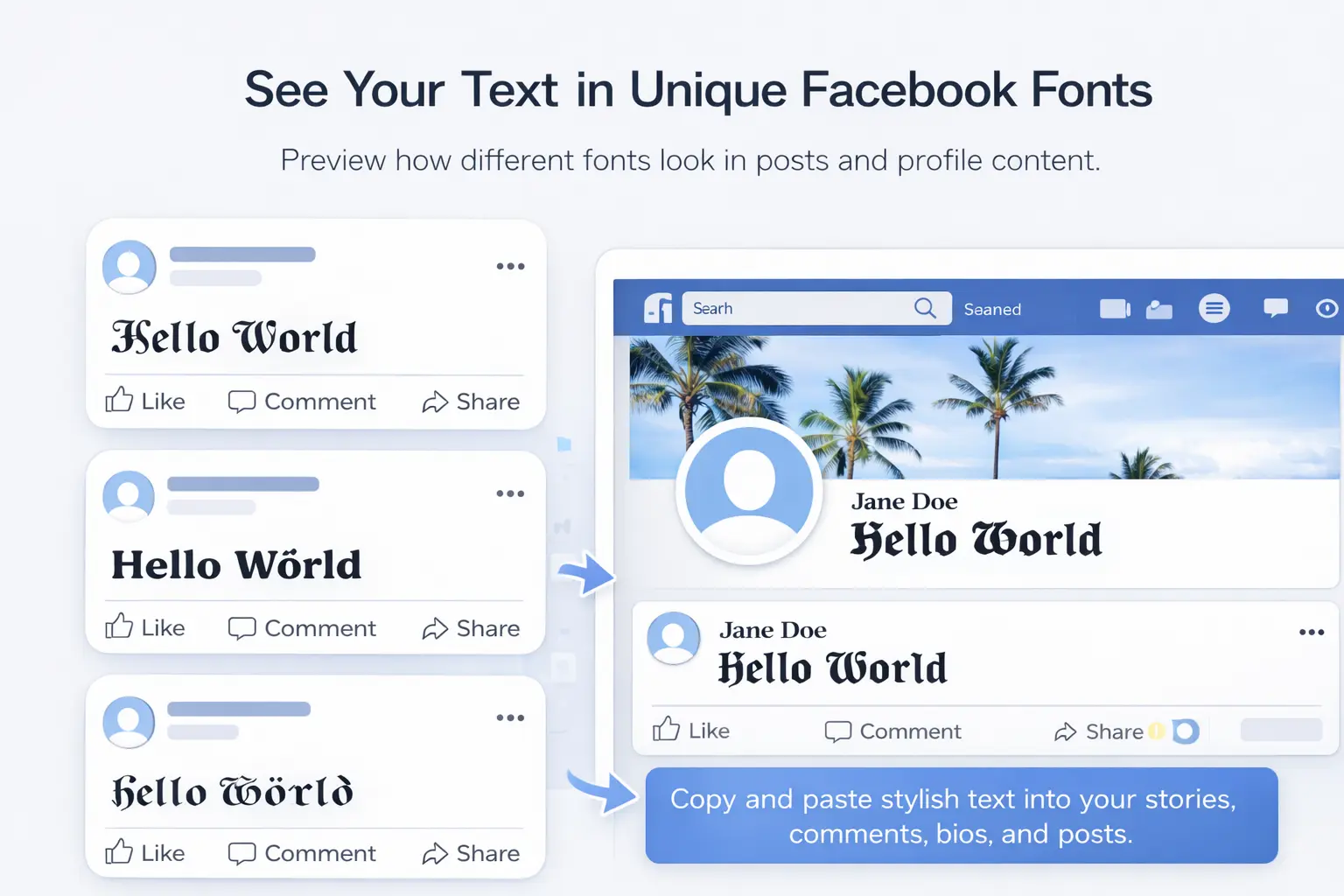
Once you enter your words, the generator will instantly create many Facebook font styles below. These styles are designed to work well in posts, comments, bios, and profile updates.
Browse the preview list and explore different FB fonts created from your letters. When you find a style you like, simply click it to copy.
You can then paste the styled text anywhere on your profile or timeline to make your content stand out.
Looking for something specific, but not finding it? Discover even more creative fonts with our Unicode Text Generator.
Best Facebook Font Styles & Categories
Different styles work better for different types of fb content. Some styles look great in posts, while others are better for comments, bios, or short captions. Here are some popular different fonts for Facebook and where they are commonly used.
Fonts for Posts
Facebook posts are usually longer, so typography that is readable but still stylish works best.
Dancing Script
A smooth handwritten lettering that looks natural in personal posts and quotes.
Shrikhand
A bold and decorative typeface that makes announcements or important updates stand out.
Rampart One
A strong display visual style that works well for short, attention-grabbing posts.
Comment Fonts
Comments should stay clear and easy to read while still adding a little personality.
Vibur
A casual handwritten style that feels friendly and natural in conversations.
Delius
A simple and neat font that works well in replies and discussions.
Klee One
A soft handwritten style that keeps comments readable but unique.
Bio Fonts
Your bio is short, so a more decorative or elegant style can make it stand out.
Imperial Script
A beautiful cursive style that adds a personal and stylish touch.
Birthstone
A classic script style that looks elegant for profile bios and short descriptions.
Reels & Captions
Short captions and reel descriptions work best with letters that grab attention quickly.
Zen Tokyo Zoo
A fun and bold style that stands out in short captions.
Frijole
A playful display look that works well for energetic or creative posts.
Creative FB Fonts
If you want something more unusual, these styles can give your text a different look.
Rubik Gemstones
A decorative appearance that adds a creative visual effect.
Bungee Inline
A bold outline design that works well for short phrases and headings.
Why Our FB Fonts Generator Stands Out?
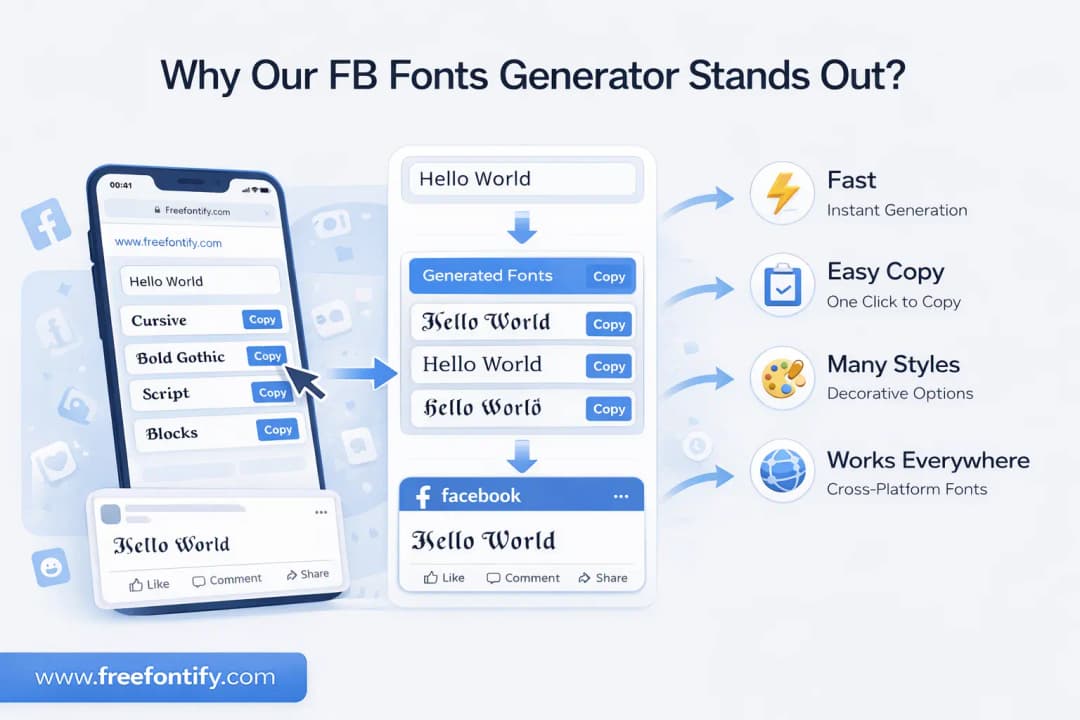
Many tools can generate fancy characters, but our FB font generator is designed to make the process fast, simple, and useful.
Instant Generation
The tool creates many fancy Facebook font styles immediately after you type your text.
Easy Copy and Paste
Click any style once to copy it instantly and paste it directly into your posts, bios, or comment.
Works on Most Platforms
The generated styles use Unicode characters that work across modern devices and browsers.
Clean and Simple Interface
You can focus on creating text styles without dealing with complicated options.
Multiple Creative Styles
Our facebook fonts generator gives you a wide range of decorative, handwritten, and stylish captions options.
If you also create content for Instagram, you may want to try our Instagram Font Generator, which helps you style captions, bios, and usernames in the same simple way.
More Free Font Tools
Facebook Text Creator FAQ
What is a Facebook Font Generator?expand_more
Can I Change FB Font Directly on Facebook?expand_more
Do these FB Fonts Work on All Devices?expand_more
Is this Facebook Text Creator Free?expand_more
Which Font Styles Are Allowed in Comments And Bios?expand_more
Where Can I Find Custom Fonts Compatible With FB Profiles?expand_more
Ready to Style Your Facebook?
Start generating stylish Facebook fonts for free. No signup required.
Try Generator